Meetings that leave a record.
A Microsoft Teams add-on for meeting management: build the agenda before the call, capture notes, tasks and decisions during it, and get a protocol out of it automatically afterwards.
A meeting ends and the outcome disappears.
Organising an effective meeting in Teams means juggling tools that feel heavier than the meeting itself. The agenda lives in a chat message, notes in someone's notebook, decisions nowhere at all. A week later nobody can prove what was agreed or who owns the next step.
Four executives, one heuristic review, seven findings.
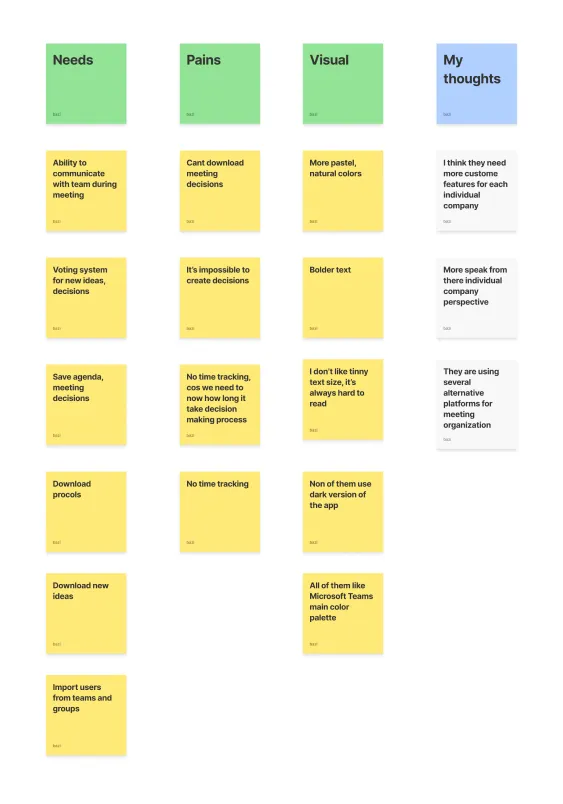
I interviewed four executives about how they prepare, run and follow up on meetings, then ran a heuristic evaluation of competing add-ons alongside their public user feedback. An affinity diagram turned the raw quotes into the requirement list the MVP was scoped from.

Draw the path before the screens.
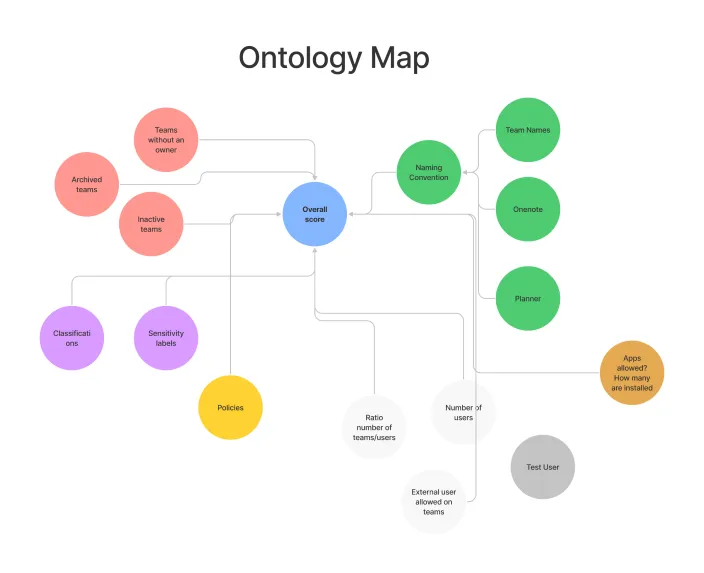
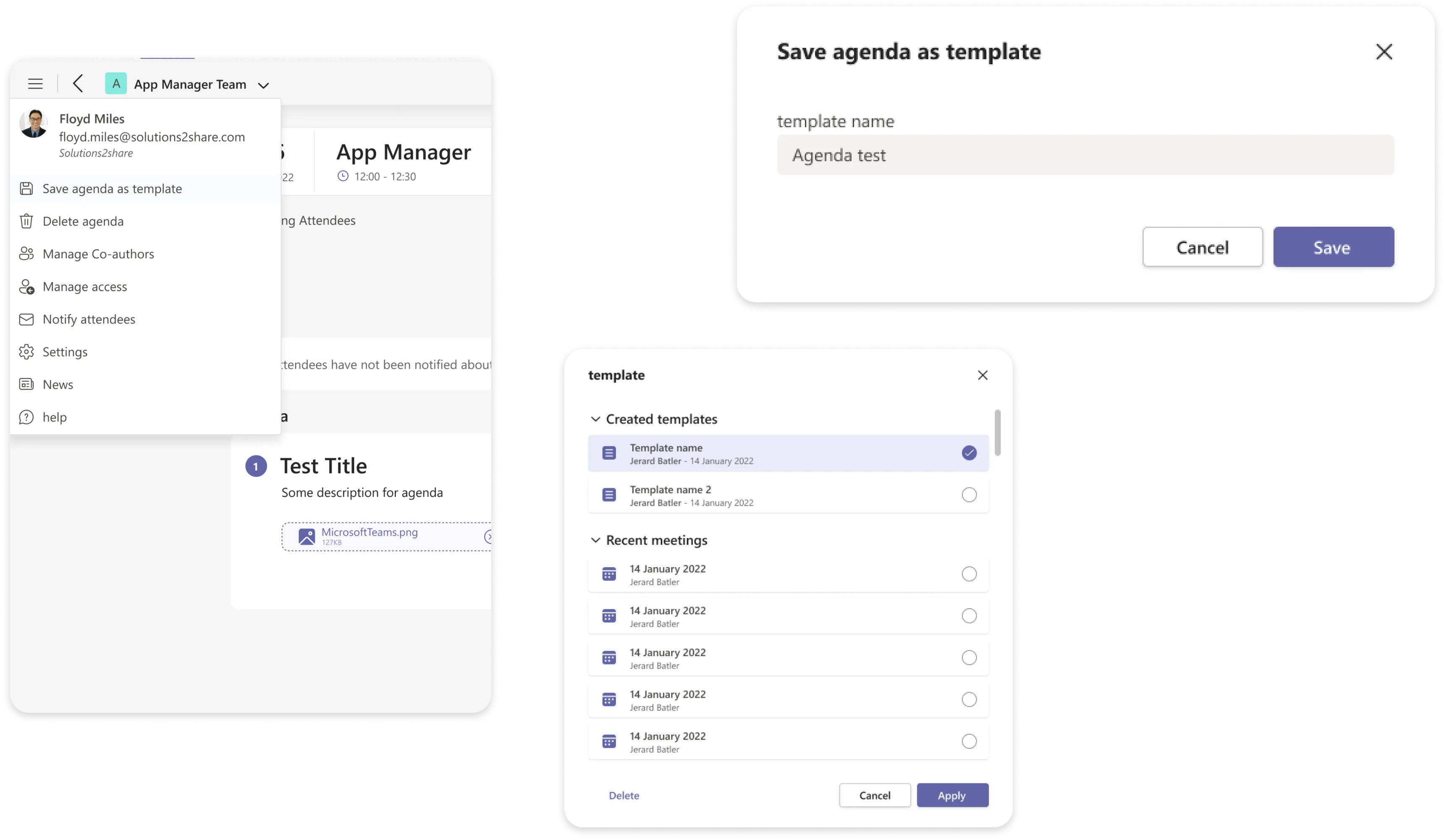
Before any screen existed I mapped the objects of the domain, meeting, agenda, item, task, decision and participant, and the path a user takes through them. Charting the flow is where the template branch was found: people rarely start an agenda from nothing, so “do you have a template?” had to be a step in the product, not a preference buried in settings.
Borrow the calendar people already know.
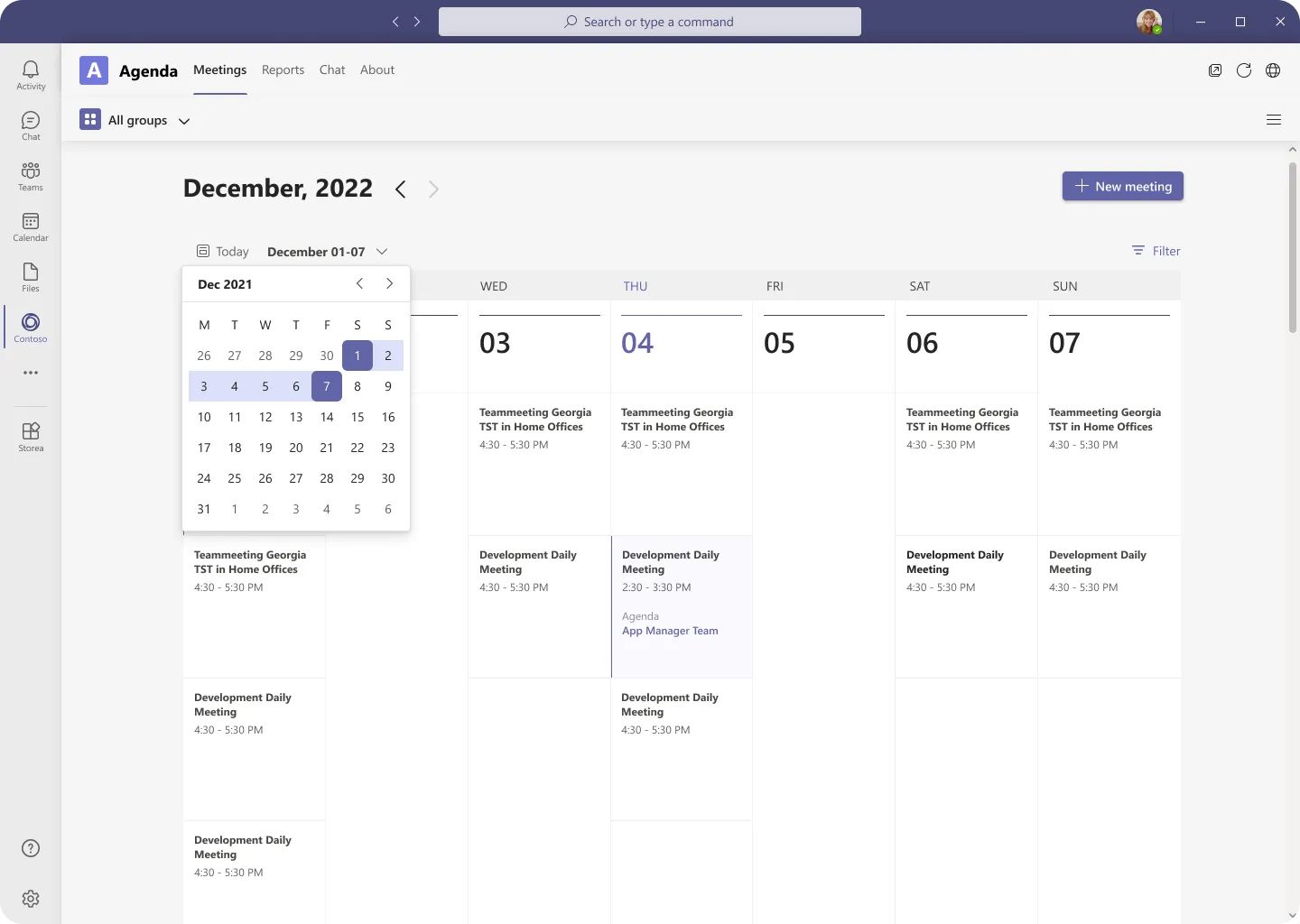
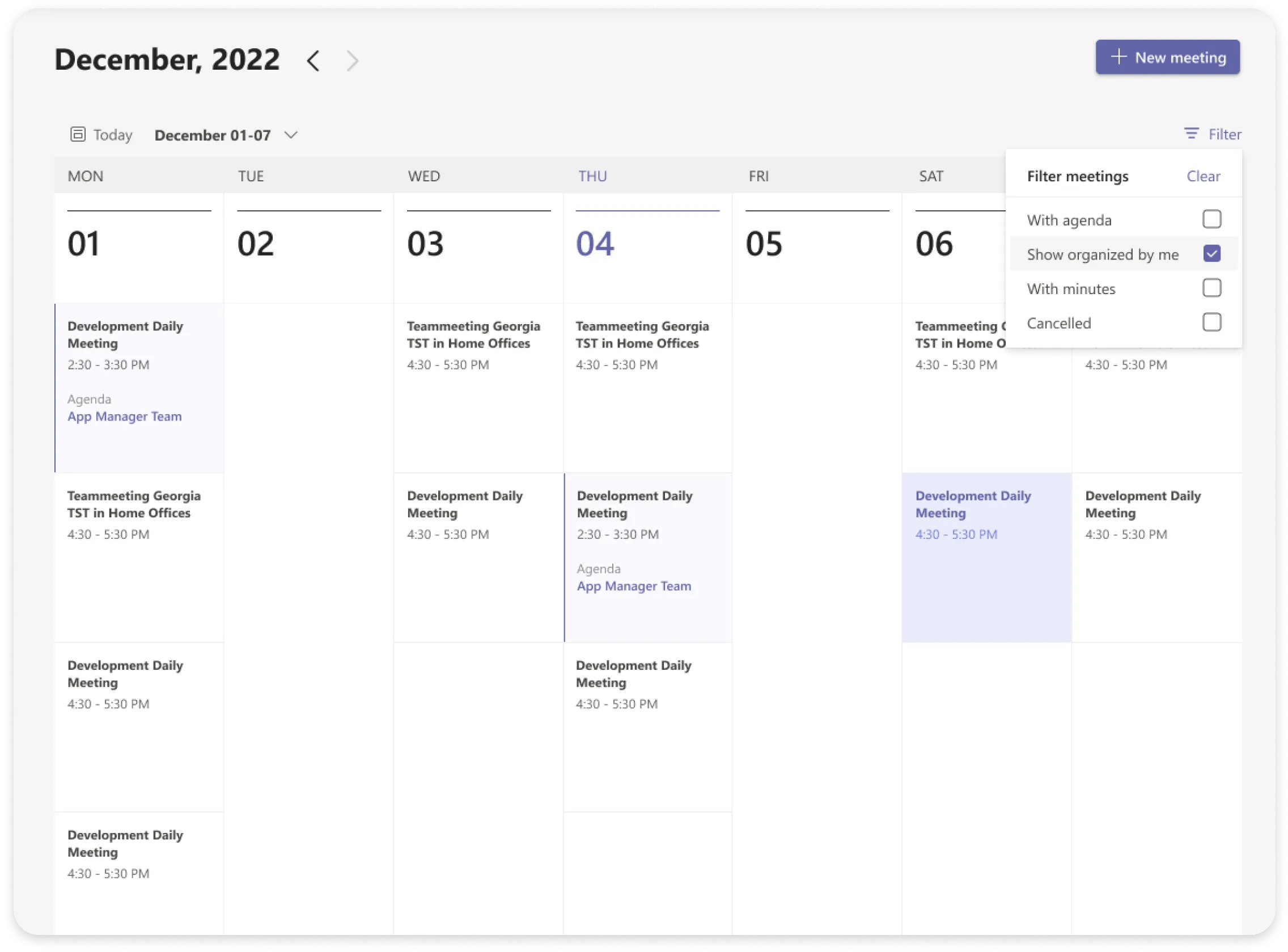
The main page deliberately mirrors the Teams calendar: same week grid, same density, same interaction. Nothing new to learn before the first agenda. Meetings that already carry one are marked inline, and the filter answers the only questions admins ask, with agenda, with minutes, mine.
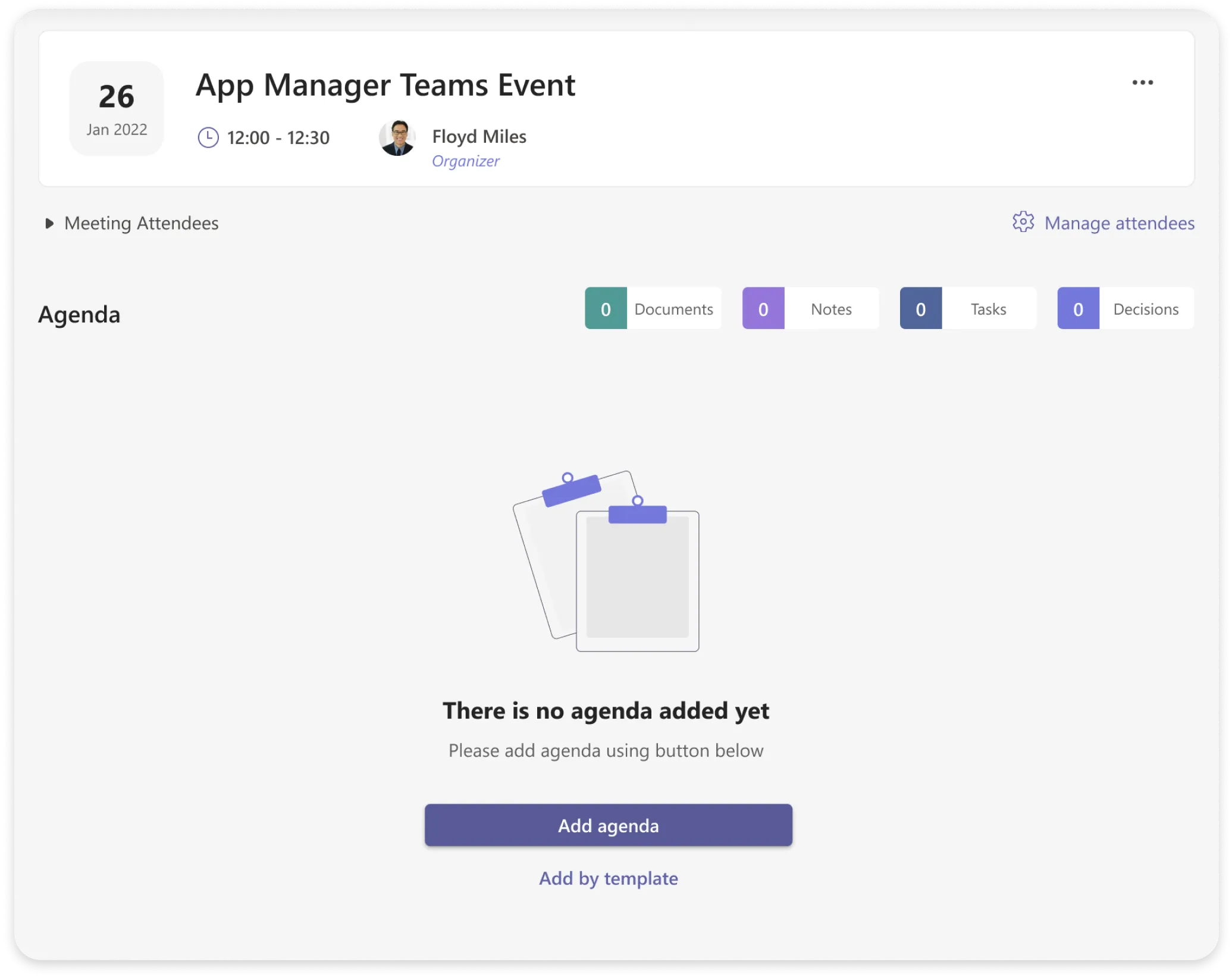
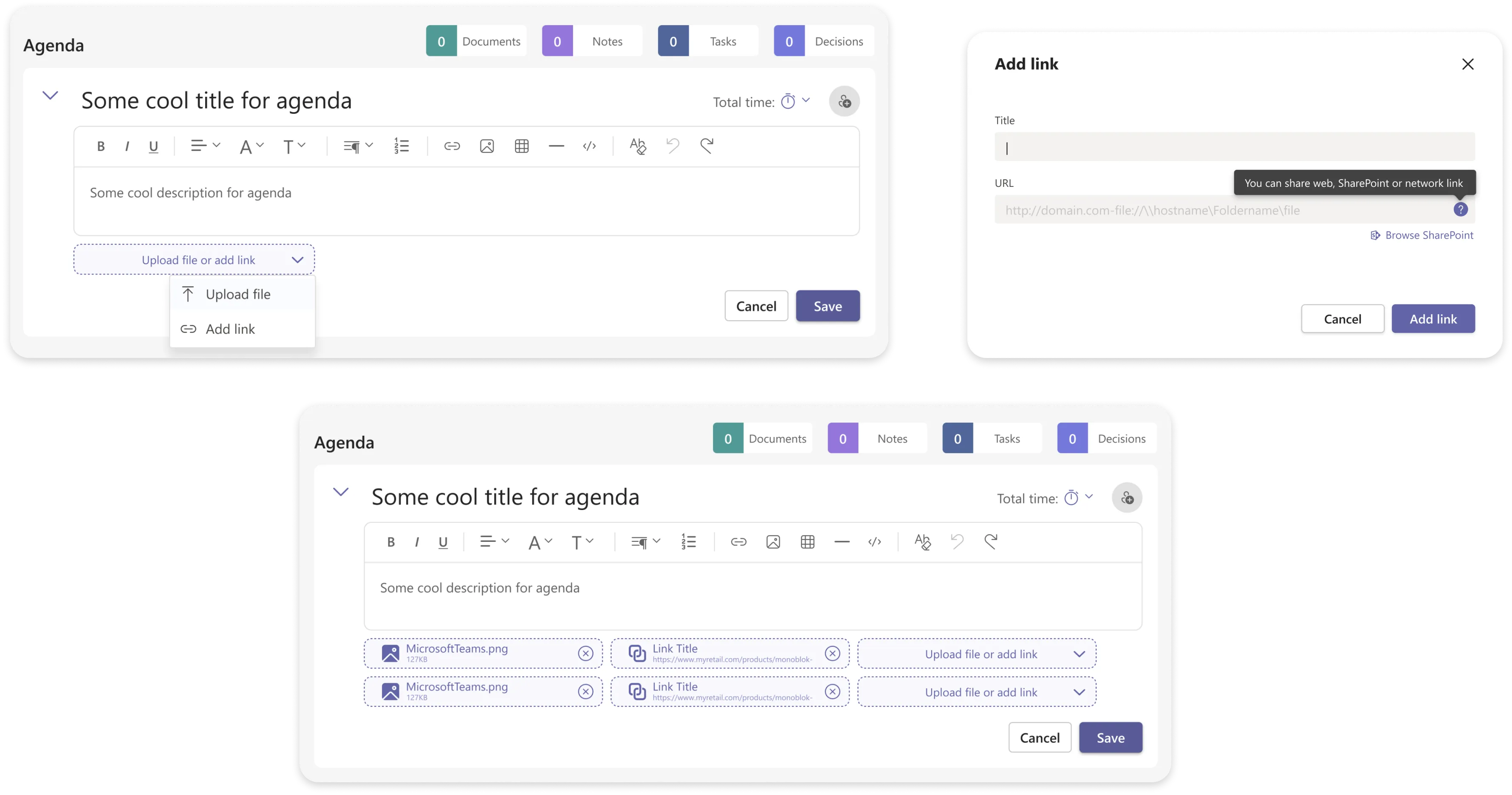
From scratch, or from last week.

Voting in the room, a protocol out of it.
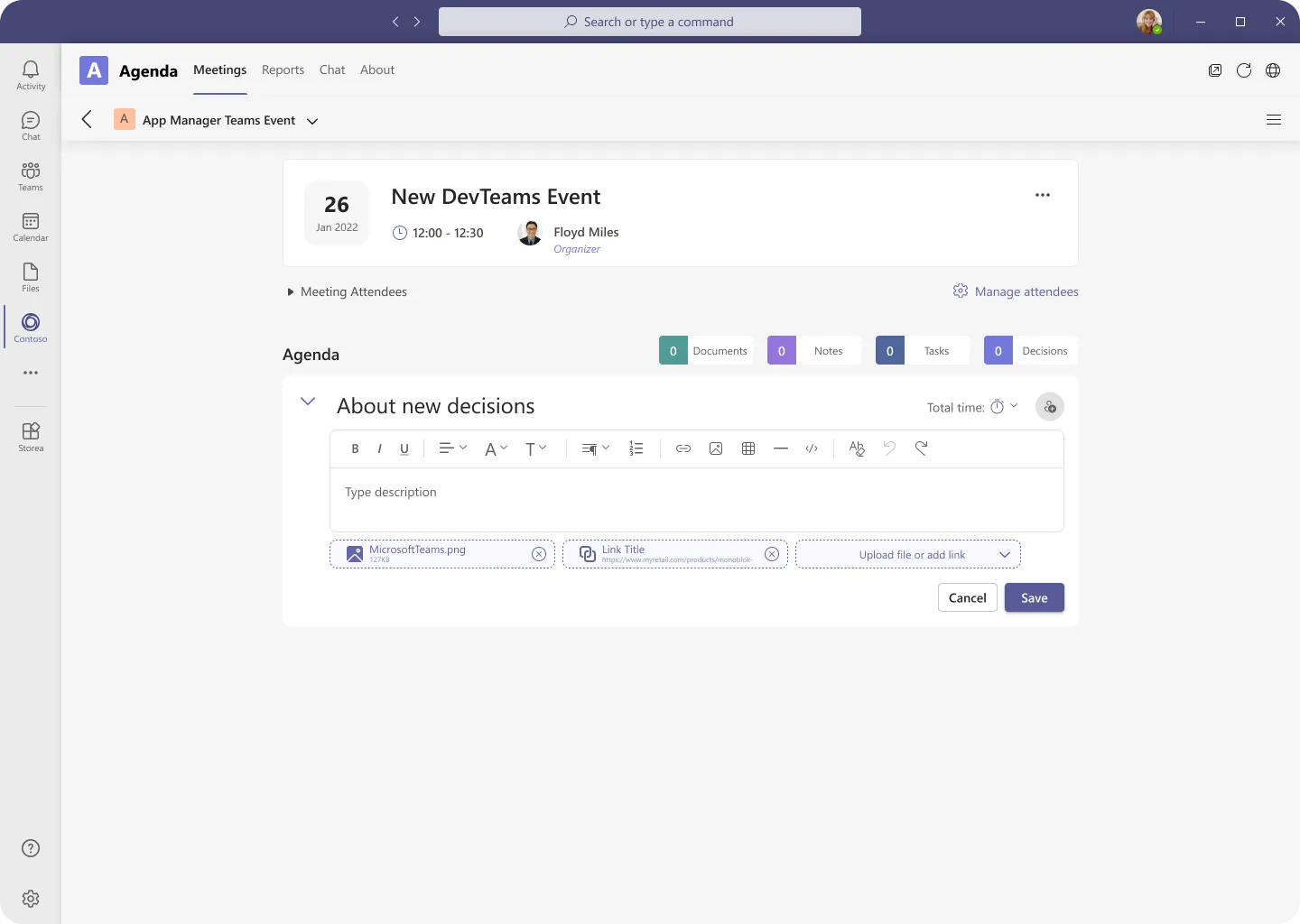
Voting turns a discussion into a recorded outcome: participants vote on flagged items and results are visible live, so a decision has a number attached instead of a memory. Notes, tasks and documents are captured against the item they came from.
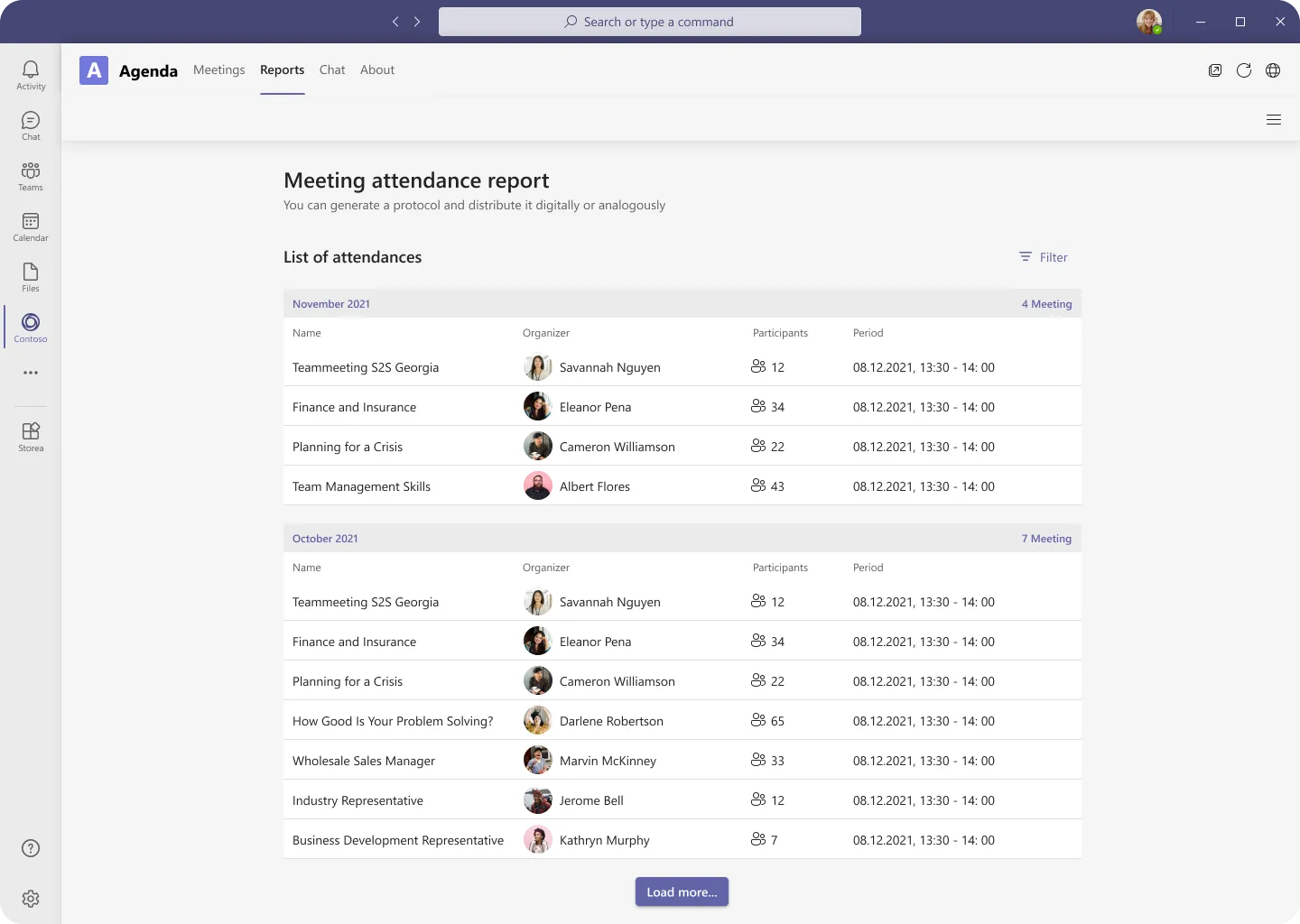
When the meeting closes, the app compiles the report: attendance, decisions, tasks, shared documents. Distribute it digitally or print it as the formal protocol.
Validated remotely, refined daily.
Remote usability testing on the MVP flows confirmed the calendar-first structure and sent the participant filter back for a rebuild: individual users and groups now live in two clearly separated sections instead of one merged list.
Working with the development team every day kept the scope honest. What shipped is the smallest version that still turns a meeting into a record.